
Introduction
Time: 00:00-00:15
This section introduces NRP as a resource for US-CMS researchers. We will cover how to gain access and the basics of how to interact with the cluster.
Get the training materials
Skip this if you're on the NRP USCMS Analysis Hub — the hub's launch link already clones the repo for you. This step is only for Method 2 (your own machine).
Clone the branch containing the files for this training:
Bash
git clone --branch materials/cms-hats --single-branch https://github.com/nrp-nautilus/nrp-training.git ~/cms-hats
cd ~/cms-hats/workspace
If you already cloned the training materials, update your local copy instead:
Bash
cd ~/cms-hats
git pull
cd workspace
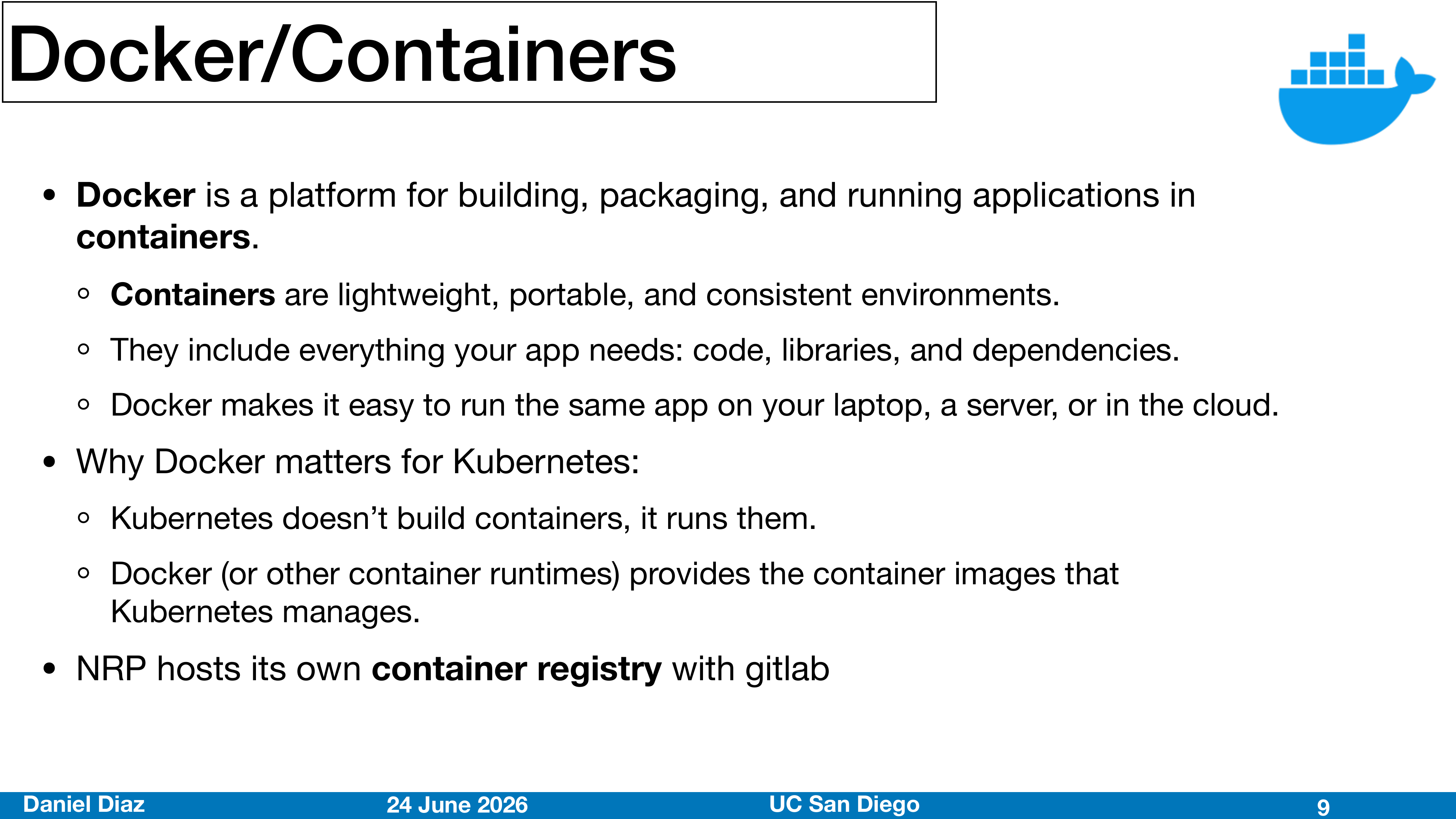
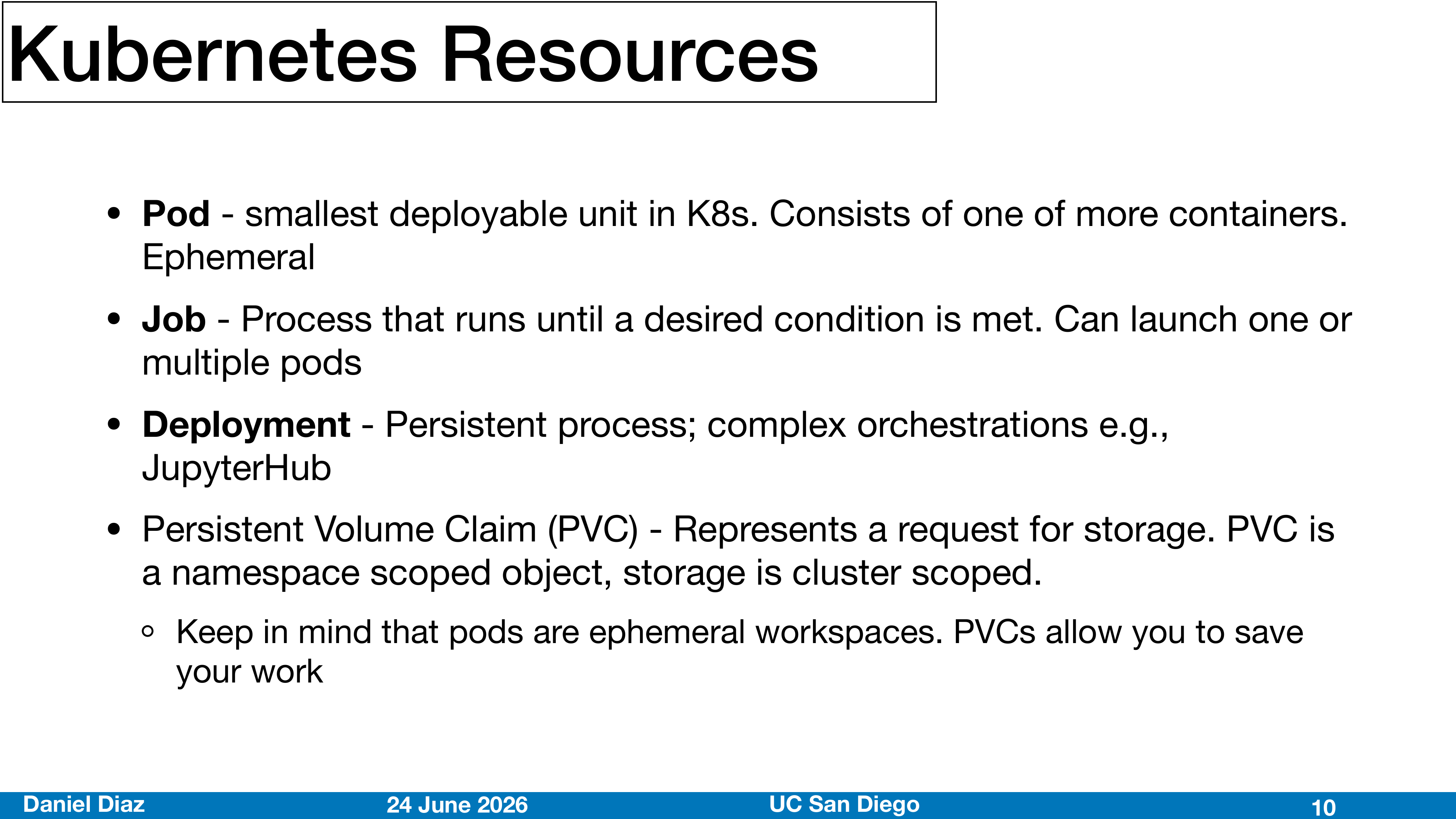
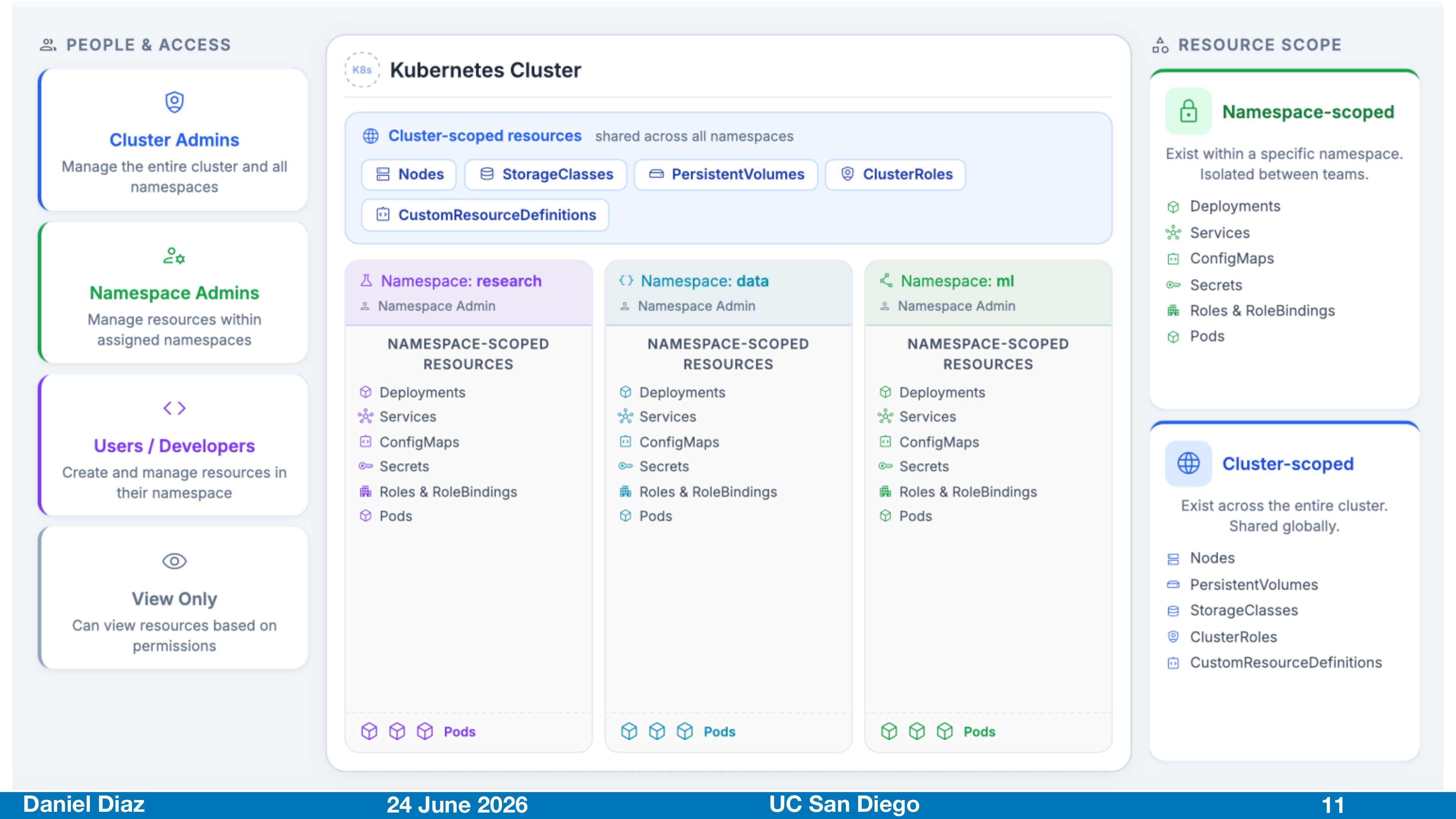
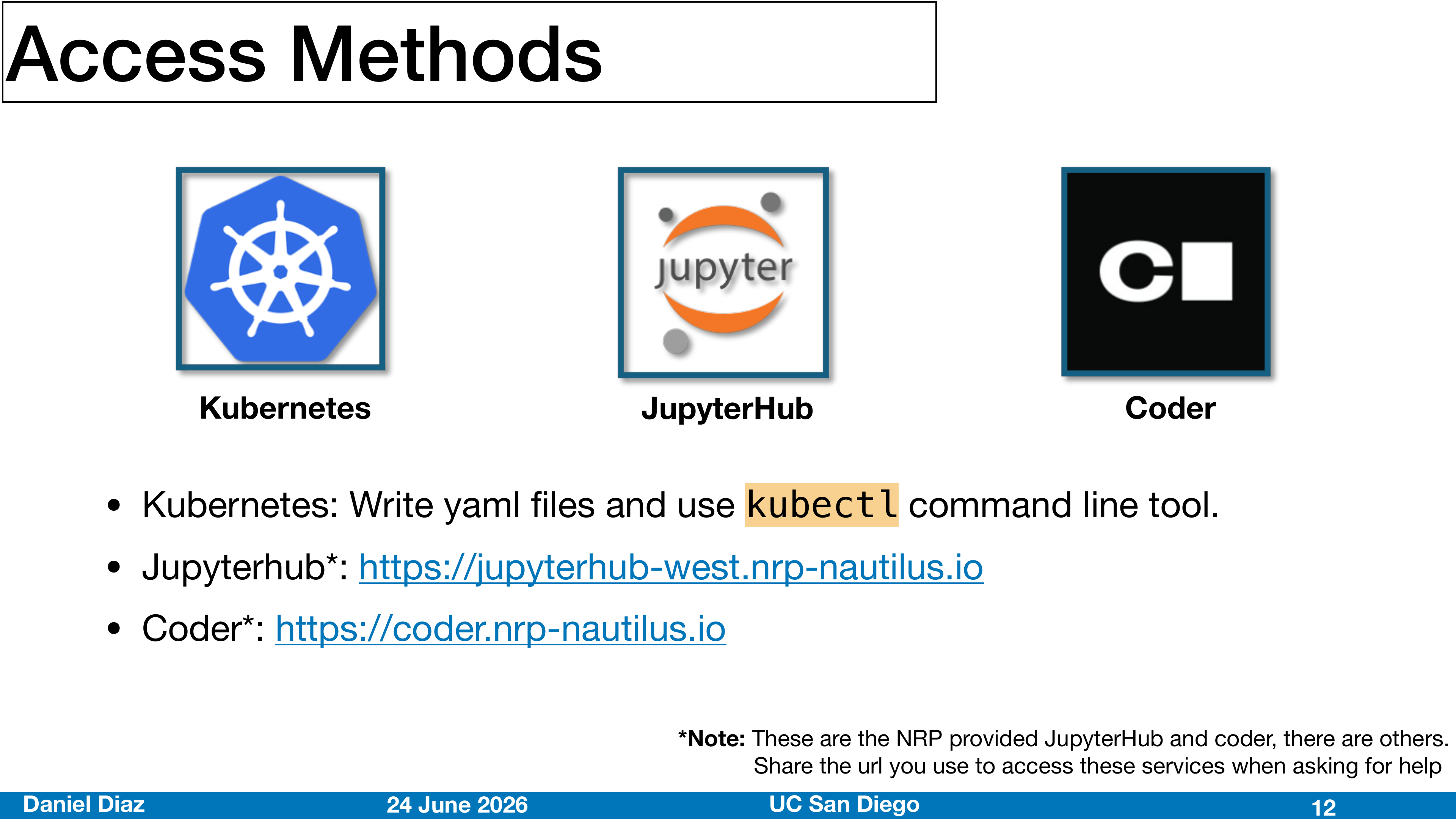
Intro slides
How to ask for help
Once you begin to use NRP on your own, you may have more questions about the platform. Here is the recommended flow for requesting help.
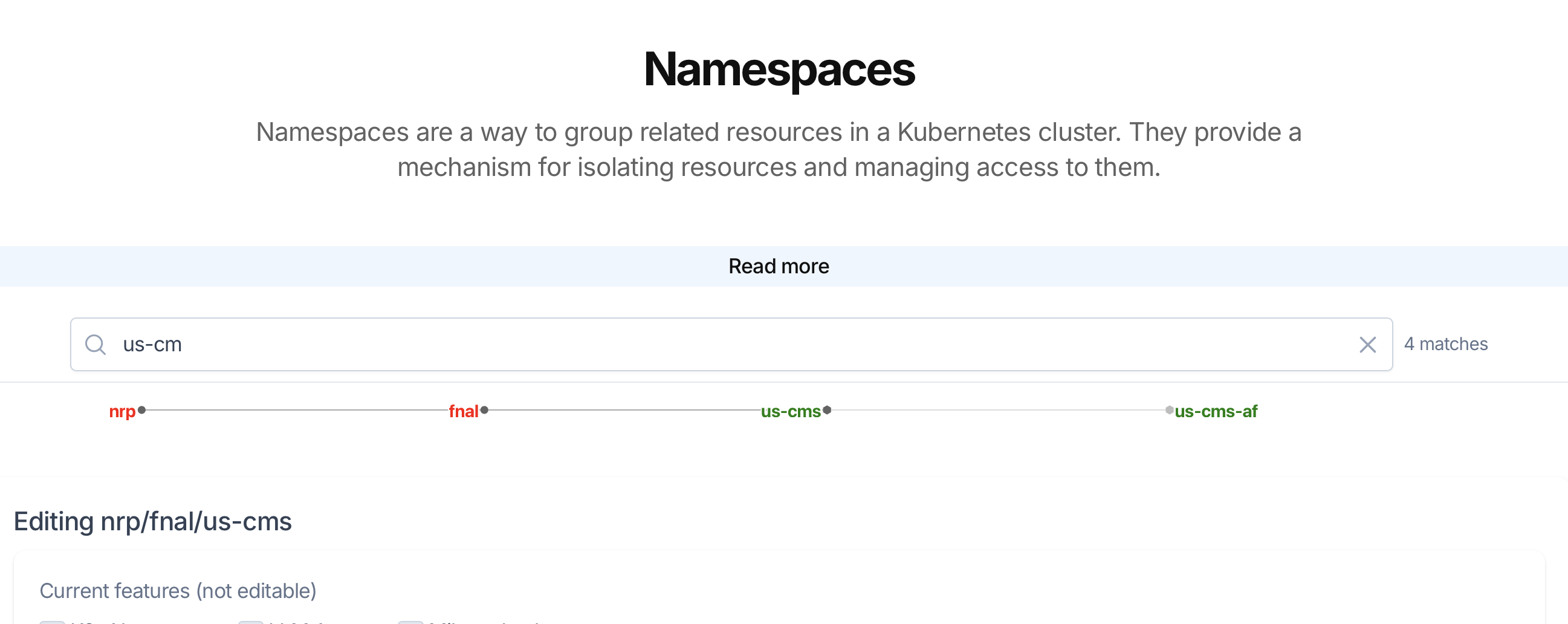
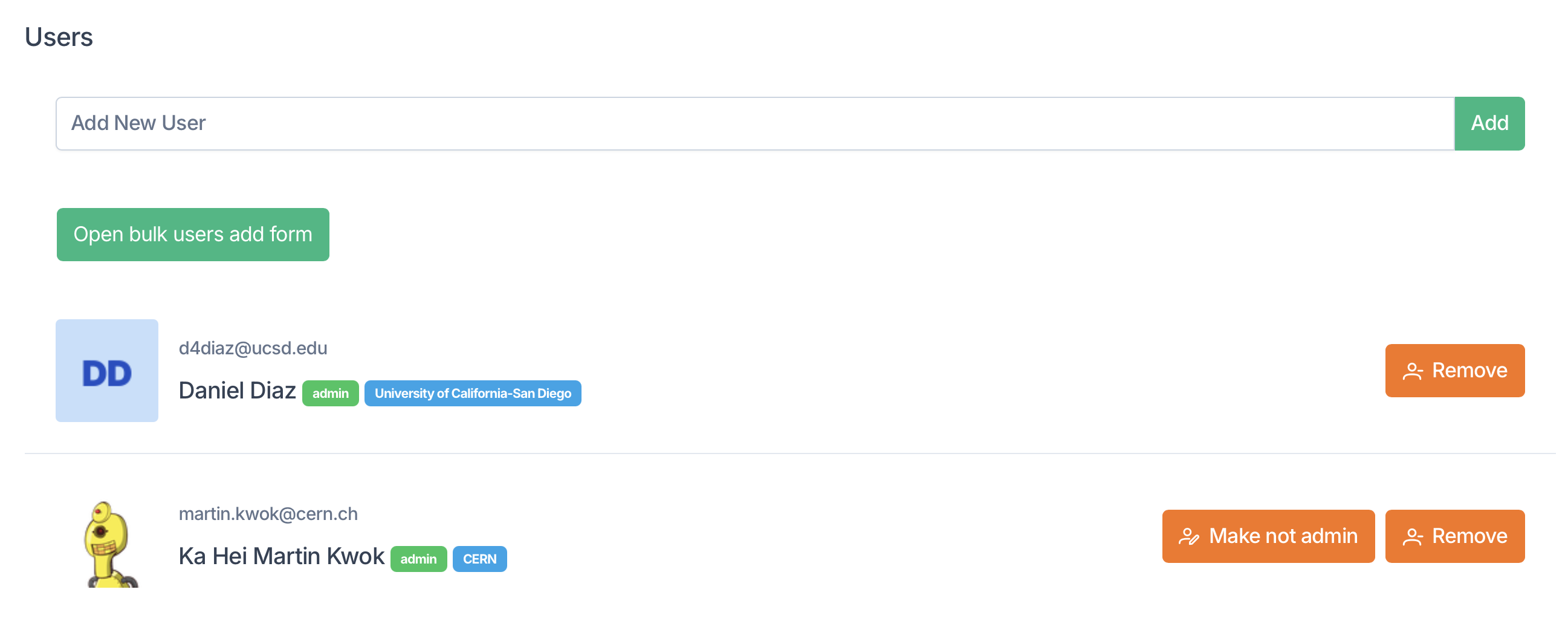
- Reach out to your namespace admin. You can find this by going to https://nrp.ai/namespaces, selecting your namespaces and scrolling to the users section.
- The Nautilus support channel. Instructions to join can be found at https://nrp.ai/contact/. You can jopin either via Slack or Element/Matrix.
Important
It is intended that all users join the support chat. Important information is shared there and it is the best way to get help from the admin team.